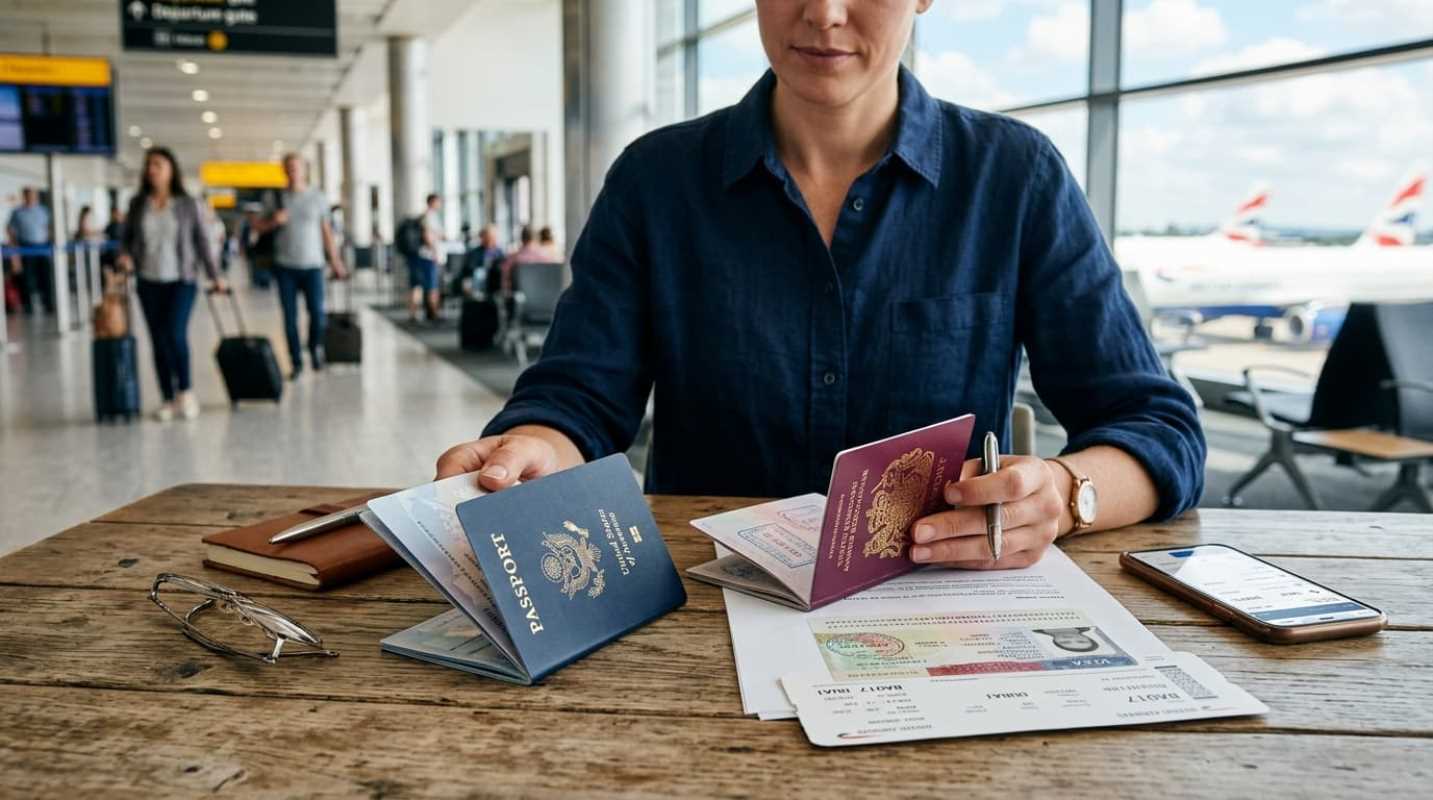
Have you ever stepped off a long flight, turned off airplane mode, and instantly received a text from your home carrier warning you about $10 or $12 daily roaming fees? If you stay abroad for two weeks, that quick trip suddenly adds over $140 to your phone bill just for basic data access.
Staying connected while traveling is no longer just a nice perk. You need mobile data to handle unfamiliar street corners, translate restaurant menus on the fly, order ride-shares, and keep in touch with family. Fortunately, paying exorbitant daily rates to your domestic provider is completely optional. Over 1.2 billion devices now support digital eSIM technology, giving travelers a much cheaper alternative to traditional roaming plans.¹
Getting connected in another country used to mean hunting down a local mobile shop at an airport terminal with a paperclip in hand. Today, you can set up a global data plan on your smartphone before you even finish packing your bags.
Understanding Your Options: eSIM vs Physical SIM
When preparing your phone for a trip abroad, you have two main options: buy a traditional plastic SIM card when you land or download a digital eSIM before you leave. Both options deliver internet access, but the setup experience is completely different.
A physical SIM card is the tiny plastic chip you insert directly into your phone's SIM tray. You usually buy these at airport kiosks, carrier stores, or convenience shops in your destination country.
• Pros of Physical SIMs: They work in almost any phone, including older or budget smartphones. They usually include a local phone number for standard voice calls and texts, and local carriers often offer the lowest rates for large amounts of data.
• Cons of Physical SIMs: You have to wait in long lines after a tiring flight, handle potential language barriers, and hand over your passport for official registration. Taking out your home SIM card also creates a real risk of losing that tiny plastic chip during your trip.
Digital eSIMs are embedded chips built into modern smartphones. Instead of swapping physical cards, you simply download a digital cellular profile through an app or QR code. They are quickly becoming the standard choice for frequent travelers because you can purchase and activate them anywhere with a Wi-Fi connection.
Although most travel eSIMs offer data only rather than a local phone number, most travelers rely on messaging apps like WhatsApp or FaceTime anyway. With major phone manufacturers removing physical SIM trays altogether on many newer devices, going digital is fast becoming the default way to connect abroad.²
Setting Up Mobile Data Abroad: A Step-by-Step Guide
Getting your phone ready for international data is simple, but taking the right steps in order keeps you from accidentally triggering unwanted roaming charges on your primary home line.
1. Check Carrier Unlocked Status: Before buying any foreign data plan, you must verify that your phone is unlocked by your home carrier. On an iPhone, open Settings, go to General, tap About, and look for Carrier Lock. It should say No SIM restrictions. Android users can check under Network and Internet settings or call their carrier directly to confirm.
2. Install the eSIM Early: Download your chosen eSIM provider app or purchase a plan on their website the day before you leave. Follow the prompts to scan the QR code or install the profile while connected to your home Wi-Fi network.
3. Configure Your Dual SIM Settings: Name your new eSIM profile something distinct like Travel Data. Keep your primary home SIM toggled on for calls and text messages so you can still receive two-factor authentication codes from your bank, but turn Data Roaming off on your home line.
4. Switch Cellular Data to the eSIM: Set Cellular Data to use your travel eSIM profile, and turn Data Roaming on for that travel line. When your plane touches down at your destination, turn off airplane mode, and your phone will automatically connect to the partner network.
Comparing International Connectivity Options
Picking the right travel plan depends on where you are going, how long you stay, and how much data you consume. You can choose individual country passes, regional packages covering an entire continent, or global plans if you cross multiple borders.
Here is how some of the top connectivity options compare for international travelers:
• Airalo: A solid choice for most travelers, offering fixed data packages across more than 200 countries. You can buy regional passes like Eurolink or Asialink, making multi-country trips easy without constantly switching plans.³
• Holafly: Designed for heavy data users and streamers who want to skip gigabyte counting. They specialize in unlimited data passes for over 160 destinations, and select European packages include a phone number for basic local calling.
• Nomad: Known for reliable network speeds across North America, Europe, and Asia. Nomad offers clear, fixed data packages with full mobile hotspot support if you need to connect a laptop.
• Saily: Created by Nord Security, Saily includes built-in ad blocking and web protection features, which can reduce your overall mobile data usage while browsing foreign websites.
• Local Carrier Kiosks: Buying a physical SIM card from a local network provider like Vodafone, Orange, or AIS upon arrival remains a great option if you need a local phone number or the absolute lowest per-gigabyte rate for extended stays.
When deciding between options, look beyond the upfront cost. Check whether the plan supports hotspot sharing if you need to work on a laptop, examine network coverage details, and make sure the provider partners with major national networks in your target country.
Pro Tips for Seamless Connectivity
Managing your phone settings properly turns potential connection issues into a completely smooth experience once you land.
The biggest secret to effortless travel connectivity is making the most of your phone's dual-SIM capability. By keeping your primary domestic SIM active strictly for incoming text messages and voice, you never miss urgent bank codes or important alerts from home. Just make sure Data Roaming stays disabled on your main line so your home provider does not quietly charge daily fees.
Do not rely entirely on cellular signals the moment you walk off the jet bridge either. Navigation and translation tools are needed in busy terminals and taxi queues, but cellular signal inside airport customs halls can be spotty. Download offline maps for your destination city and offline language packages in Google Translate before boarding your flight.
Taking ten minutes to set up your eSIM or outline your local SIM approach before departing saves money, skips long airport lines, and makes sure you step off the plane completely connected.
Sources:
1. runawaytraveller.com
https://runawaytraveller.com/best-esim-international-travel/
2. gizmodo.com
https://gizmodo.com/best-esim-provider
3. simology.io
https://simology.io/blog/esim-vs-physical-sim-travel-2026